Retail technology has moved fast. What counted as an advanced POS system five years ago is now the baseline expectation, and stores still running on fragmented tools or outdated setups are feeling the gap at checkout, in their stock rooms, and in the quality of decisions they can make from their sales data. We built Easy Retail Flow as a unified retail platform because the feature set a modern store needs is no longer just about processing payments — it is about connecting every operational layer into one place. Here is what that feature set actually looks like in 2026.
Smart, Intuitive Billing at the Counter
Speed and accuracy at checkout are non-negotiable. A POS interface that requires multiple screens, unclear navigation, or slow product lookup creates friction that compounds during peak hours and visibly frustrates customers.
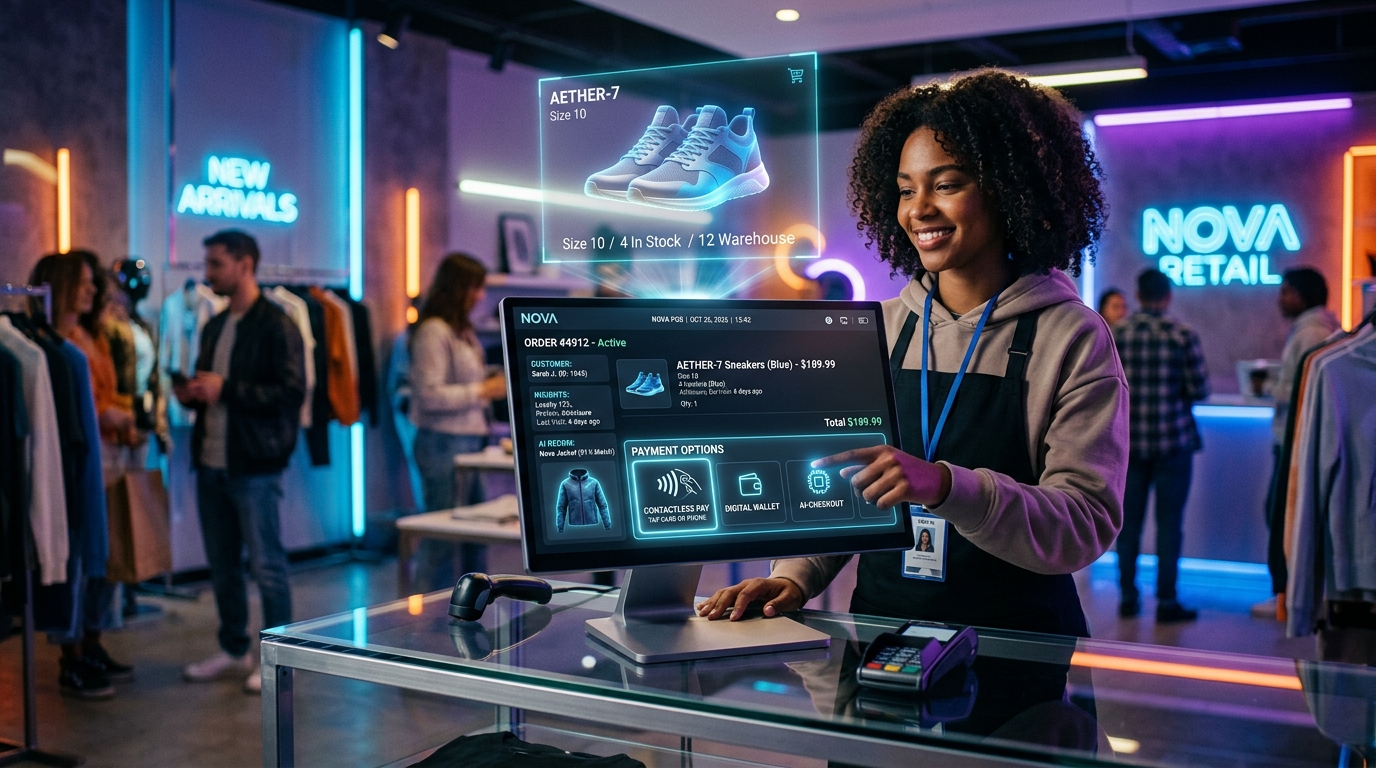
A well-designed billing interface in 2026 handles both walk-in and registered customers without switching modes. It surfaces customer profiles instantly during checkout, supports product search that returns results fast, and keeps the entire transaction flow on a single screen. The fewer taps between opening a sale and completing it, the better the checkout experience for staff and customer alike.
The interface should also handle the edge cases that come up in real retail, not just textbook transactions. A customer who wants to split payment, a cashier who needs to hold a cart and return to it, a sale that requires verifying a recent transaction — these are daily scenarios, not exceptions.
Flexible Discount and Tax Controls
Pricing in retail is rarely one-size-fits-all, and a POS that treats it as such creates daily operational headaches.
Modern stores need granular control over how discounts and taxes apply, and they need that control to be fast to execute rather than buried in settings menus. The features that matter here:
Product-level discounts that apply to a single item without affecting the rest of the cart
Cart-wide discount options for promotions, loyalty adjustments, or negotiated pricing
Tax rules configurable per product or per entire transaction depending on the sale type
The ability to hold and resume a transaction mid-sale without losing any cart data
Instant access to recent transaction records for verification without leaving the POS screen
This level of control is not about complexity for its own sake. It is about making sure the POS reflects how your business actually prices, rather than forcing your business to price around what your POS can handle.
Real-Time Inventory That Stays in Sync
The gap between what a POS says is in stock and what is actually on the shelf is one of the most common and costly problems in retail. It leads to overselling, frustrated customers, and manual stock counts that consume staff time.
Real-time inventory integration means stock levels update the moment a sale is processed. No batch syncing, no end-of-day reconciliation, no manual adjustments needed to keep the POS and the stockroom aligned.
In 2026, low stock notifications are also a baseline expectation rather than a premium add-on. Retailers should not be discovering stock shortages when a customer asks for a product at the counter. The system should surface those alerts before they become a problem.
Multi-Store and Centralized Stock Management
For any retailer operating more than one location, disconnected store systems are an operational liability. Each outlet running its own isolated POS means stock levels are invisible across the network, transfers require manual coordination, and performance reporting means pulling data from separate sources and stitching it together.
A centralized multi-store architecture changes this:
Each store maintains its own independent inventory while remaining visible from a single dashboard
Products can be assigned to specific outlets or shared across locations
Stock adjustments go through an approval workflow, preventing unauthorized or accidental changes
Managers can monitor any location’s sales and stock activity without being physically present
Performance data from all outlets feeds into consolidated reports automatically
This is not a feature that only large chains need. A retailer with two locations — or plans to expand to two — benefits from building on a centralized system from the start rather than migrating later.
Sales Reporting and Actionable Analytics
A POS system that only processes transactions is half a tool. The data generated by every sale is genuinely valuable, but only if the reporting layer makes it accessible and readable.
Useful retail analytics in 2026 go beyond a daily revenue total. Payment method breakdowns show how customers are actually paying. Cart history reveals which products appear together and what the average transaction looks like. Top-selling product reports show where to prioritize stock. Period-over-period comparisons surface growth or decline before it becomes obvious in the bank account.
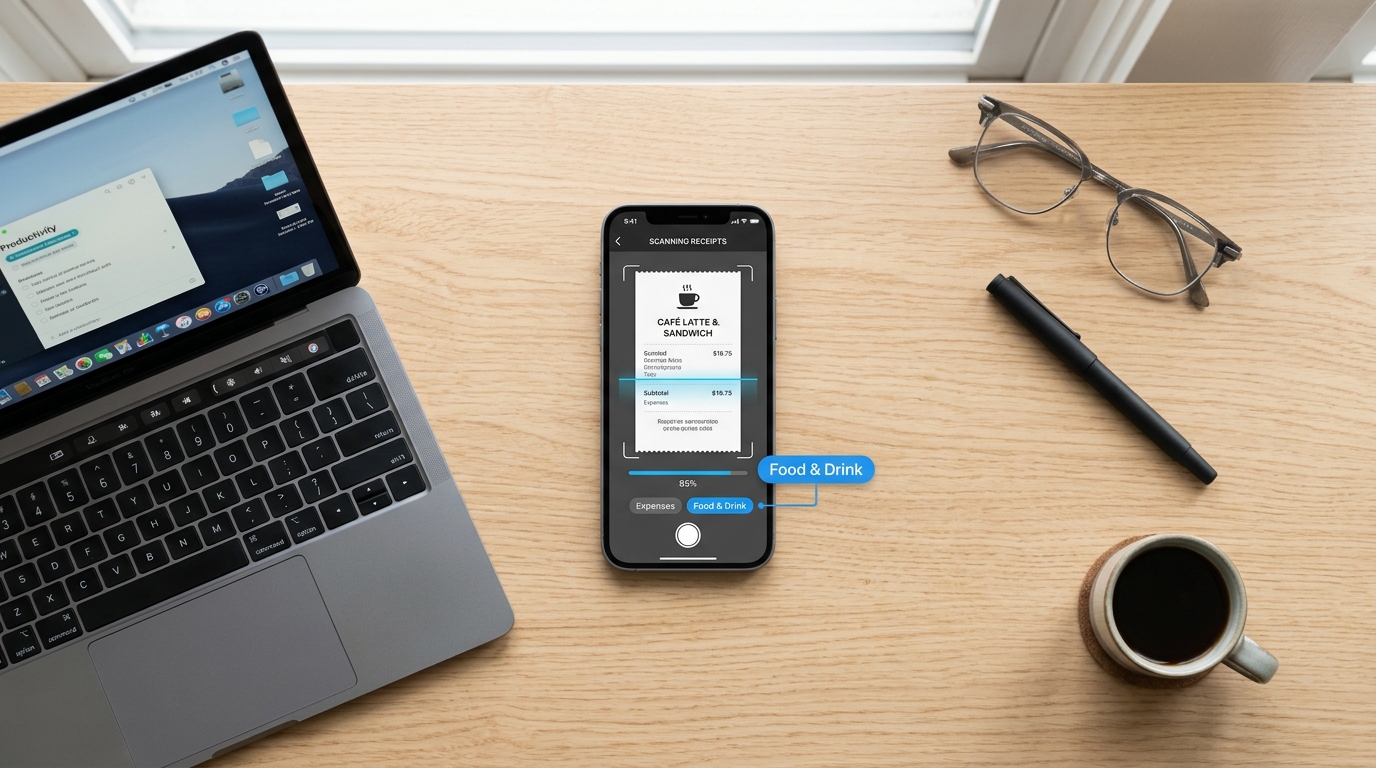
Expense tracking alongside sales data completes the financial picture. Knowing revenue is useful. Knowing revenue minus cost, broken down by category and time period, is what drives real decisions.
Employee Access Controls and Operational Accountability
Staff management is often an afterthought in POS conversations, but it belongs in the core feature set.
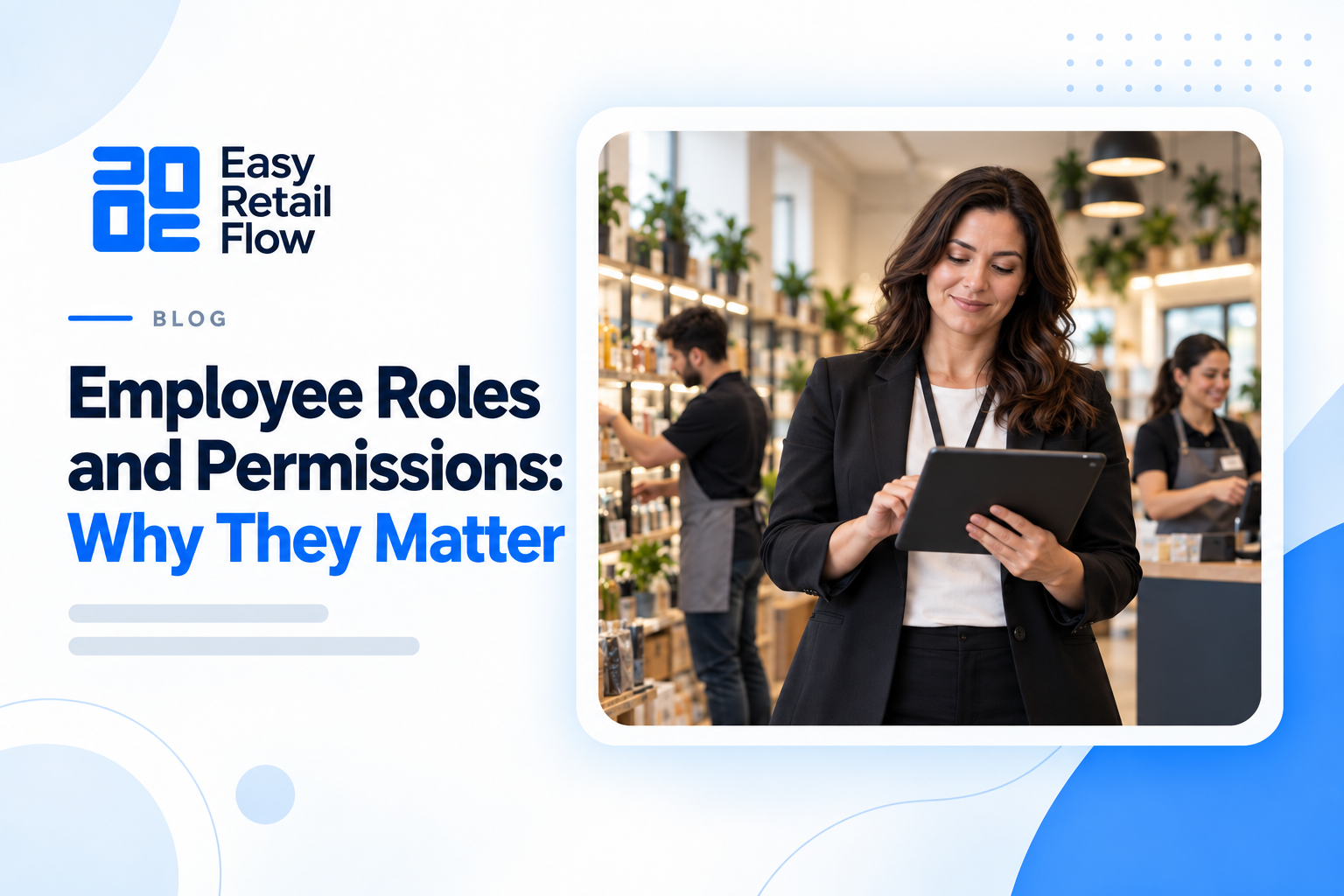
When multiple employees use the same system, access control matters. Not every staff member should have the ability to apply discounts, process refunds, adjust stock, or view financial reports. Role-based access keeps each user working within their remit and creates an audit trail of who did what and when.
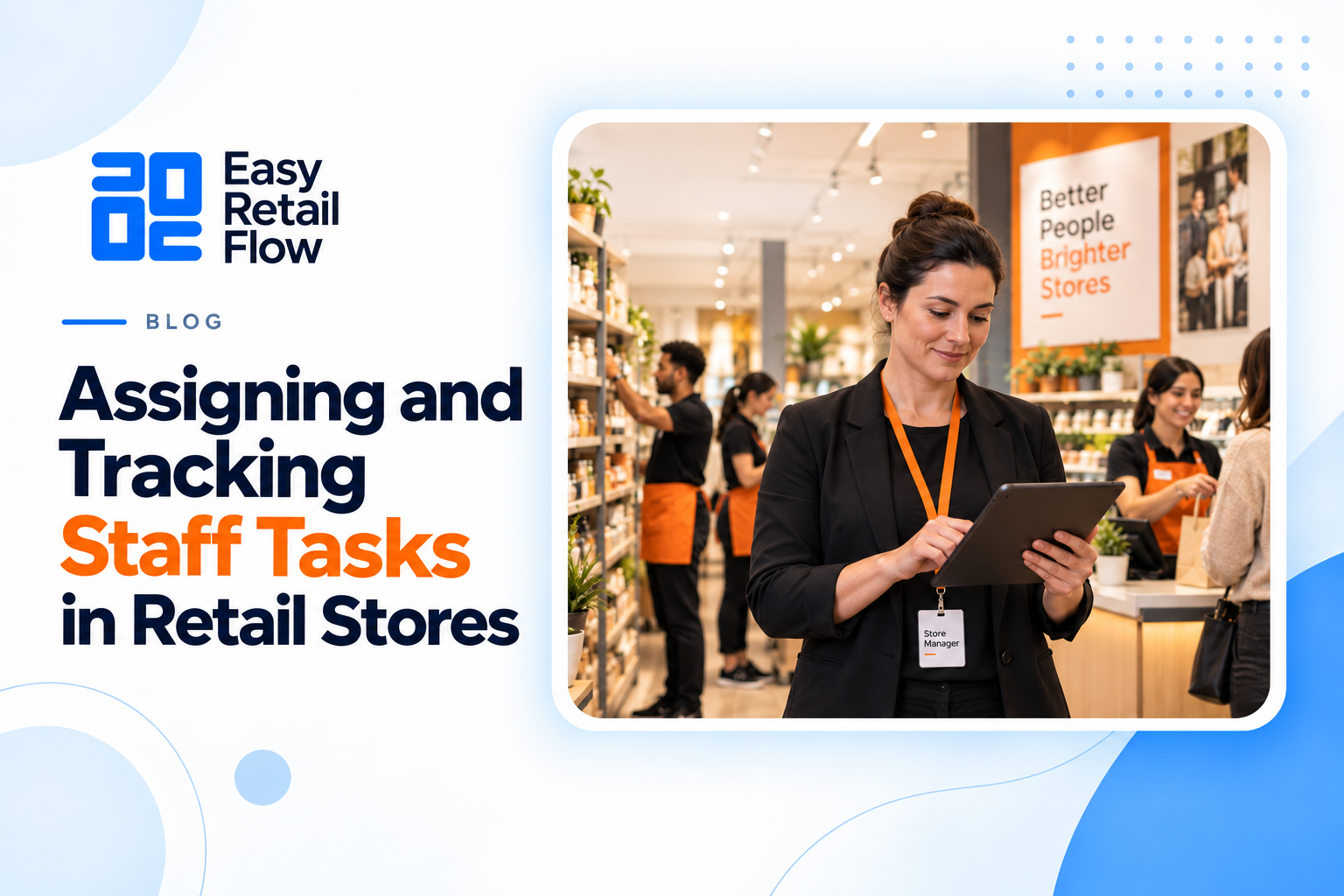
For managers overseeing more than one location, the ability to assign tasks, monitor staff activity, and track performance across branches from a single dashboard reduces the management overhead that comes with growth. Staff accountability and store performance are directly linked, and the POS system is where that link is made visible.
The Feature Set Is the Foundation
POS features do not exist in isolation. Each one connects to the others, and the stores that get the most from their systems are the ones running on a platform where billing, inventory, reporting, staff management, and multi-store control are unified rather than patched together from separate tools.
That integration is what we built Easy Retail Flow around. The platform covers smart POS billing, real-time inventory, multi-store control, sales analytics, invoicing, expense tracking, and employee management in a single subscription with no hidden costs and no setup fees. If you want to see the full feature set in action, request a free demo and our team will walk you through how it fits your store.