Choosing a POS system feels straightforward until you actually start looking. The options multiply fast, the feature lists blur together, and the pricing structures are rarely as simple as they appear. For a small business owner, the stakes are real — the wrong system creates daily friction, hidden costs, and eventually a painful migration to something better. We built Easy Retail Flow with small and growing retailers in mind, which means we have a clear view of what this decision actually comes down to. Here is how to think through it properly.
Start With What Your Store Actually Does
Before comparing software, map your own operations honestly.
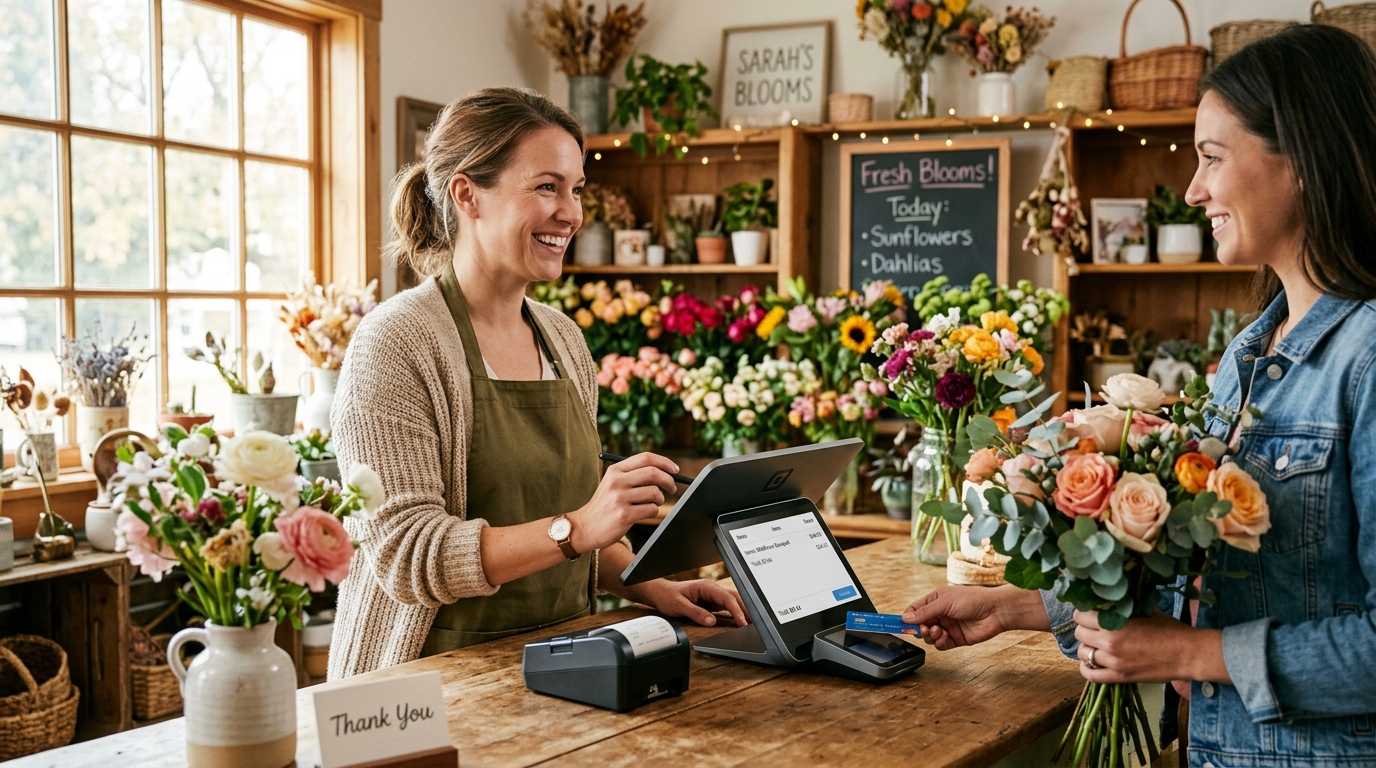
A small clothing boutique has different daily demands than a tech accessories shop or a repair service counter. The POS features that matter most are directly shaped by how many transactions you process per day, whether you sell to walk-in customers or registered account holders, how much pricing flexibility your business requires, and whether you manage stock across one location or more.
Retailers who skip this step end up evaluating systems against generic feature lists rather than their own workflow. The result is often a system that looks capable on paper but creates workarounds in practice. Start with your store, not with the software.
Identify the Non-Negotiable Features
Not every feature on a vendor’s list is one your business will use. But some are genuinely load-bearing, and missing them costs you daily.
The features worth treating as non-negotiable for most small retailers:
Fast, intuitive billing that handles both walk-in and returning customers without extra steps
Flexible discount controls at the product level and cart level, not just a single blanket option
Tax handling that matches your actual pricing structure, whether that is per-product or per-transaction
The ability to hold and resume a sale without losing cart data
Real-time inventory that updates the moment a transaction is completed
Low stock alerts that surface shortages before they reach the counter
A system that handles these well will cover the overwhelming majority of your daily operational needs. Features beyond this are valuable, but these are the ones that determine whether the POS helps or hinders your store.
Understand the Real Cost Structure
Pricing pages rarely tell the full story. A low monthly subscription can obscure significant additional costs that appear only after you have committed.
The questions worth asking before signing up for any system include: Are there setup or installation fees? Is hardware included or does it need to be sourced separately? Are software updates included in the subscription or charged additionally? Are there per-transaction fees layered on top of the flat rate? Is multi-store access included or gated behind a higher tier?
For small businesses operating on tight margins, these additions are not minor. A system with a slightly higher headline price but genuinely no hidden costs is often cheaper in practice than a lower-priced option with add-on charges across hardware, users, and features.
Transparent, flat pricing that includes the full feature set is the structure that actually serves small retailers. Know what you are paying before the contract, not after.
Evaluate Setup Simplicity and Ongoing Support
A POS system that requires professional installation, dedicated hardware procurement, and IT involvement to get running is a material barrier for a small business. Time spent on setup is time not spent on the store, and the same applies to any ongoing maintenance burden.
Cloud-based systems reduce this friction significantly. Because the software lives off-site, retailers can often get operational on hardware they already own. No server installation, no local configuration, no scheduled downtime for updates. The system maintains itself at the infrastructure level, and feature updates roll out automatically.
Support availability matters equally. When something goes wrong at the counter during a busy period, the response time and quality of help available determines how quickly the store recovers. A POS vendor that offers setup guidance and accessible support is a different operational partner than one that routes all issues through a ticket queue with multi-day response times.
Look at How the System Handles Growth
Small businesses do not always stay small, and the cost of migrating a POS system mid-growth is significant.
A system that works for one store should also work cleanly for two. Multi-store capability, centralized stock visibility, and consolidated reporting are features that matter immediately for businesses with more than one location and that matter strategically for businesses planning to expand.
The architecture question here is whether adding a new location means extending the same system or deploying a separate one. Centralized systems, where all stores share a single dashboard, unified inventory visibility, and combined reporting, scale without creating management overhead. Separate-instance systems create exactly the kind of fragmentation that slows growing retailers down.
Choosing a system that can scale removes the need to re-evaluate and migrate when growth actually arrives.
The Right Fit Is an Operational Decision, Not Just a Software One
There is no universally correct POS system. The right choice depends on how your store operates today, what friction points you need to eliminate, how transparently the vendor prices their product, and how much operational overhead you are willing to carry in exchange for features you may not use.
For small retailers, the practical checklist is consistent: fast and accurate billing, real-time inventory, flexible pricing controls, clear reporting, accessible support, and a pricing structure without hidden layers. A system that covers all of these without requiring dedicated IT support or significant upfront hardware investment fits the operational reality of a small business.
We built Easy Retail Flow to meet exactly that brief. The platform brings POS, inventory, sales reporting, invoicing, expense tracking, and employee management into a single subscription with no setup fees and no feature gating across tiers. If you want to see how it maps to your store’s daily operations, request a free demo and our team will walk you through it.