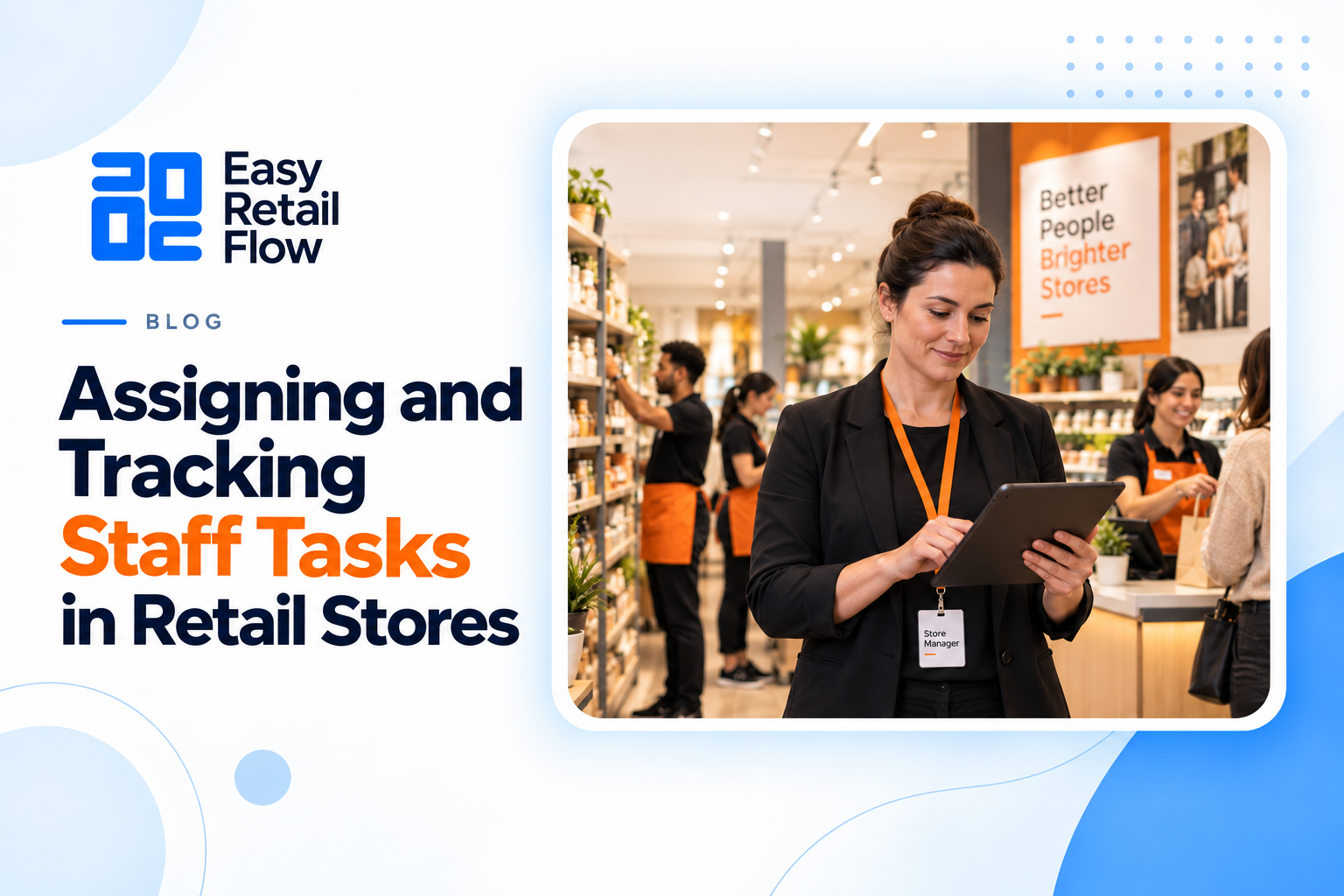
Common POS Mistakes Retail Owners Make in Their First Year
Opening a retail store is exhilarating. The first year feels like running a marathon while learning to juggle fire—sales, inventory, customers, and finances all demand attention at once. A point of sale system can be a lifeline, yet new store owners often stumble, making mistakes that ripple through daily operations. At Easy Retail Flow, we’ve witnessed how even small missteps with a POS can slow growth, frustrate staff, and confuse customers. Recognizing these pitfalls early can turn what feels like chaos into a structured, efficient workflow.
Seeing the POS as Just a Cash Register
Many first-time retail owners assume that a POS system is simply a fancy cash register. They treat it as a transaction box rather than a central hub for sales, inventory, and reporting. This mindset often leads to stock mismanagement—either running out of popular items or overstocking slow-moving products.
Consider a store selling snacks and beverages. Without using POS-driven inventory alerts, a sudden rush on a new drink line could leave shelves empty, disappointing customers. Conversely, overestimating demand without automated insights can lock capital in slow-selling items. Businesses that integrate POS with inventory tracking notice fewer errors in daily operations and reduce human oversight demands. The real power of a POS comes from connecting every sale to inventory updates, automated alerts, and real-time insights. Treating it as “just a register” misses this crucial potential.
Training Isn’t Optional—It’s Essential
A common mistake is assuming that staff will naturally adapt to new software. Even intuitive POS systems require consistent practice. Misunderstandings over refunds, discounts, or loyalty points can lead to mistakes that erode customer trust and inflate errors.
Q: Can’t staff just figure it out? A: Not without slowing down operations. Casual demonstrations may seem enough, but gaps in understanding multiply under busy conditions. A well-trained team processes orders faster, reduces errors, and delivers a professional experience to customers.
Q: What about a small store with only a few employees? A: Training is equally vital. Even minimal teams benefit from structured guidance, ensuring everyone knows how to handle returns, split payments, and manage inventory updates. Retailers leveraging structured training on their POS see smoother daily operations and faster adaptation by staff.
Beyond the obvious, training also reveals lesser-used features—like generating daily reports, analyzing trends, or managing multi-location stock—that make day-to-day decisions faster and more accurate.
Inventory Accuracy: The Hidden Backbone
Many first-year owners underestimate the importance of inventory management. It’s easy to overlook the chaos caused by manual stock checks, delayed updates, or mismatched entries. Inaccurate stock leads to missed sales opportunities and distorted profitability analysis.
Imagine a fashion boutique running a weekend promotion on jackets. Without real-time inventory tracking, the system might oversell, forcing cancellations or leaving staff scrambling to locate products. Conversely, failing to adjust stock after returns or transfers can give a false sense of demand. Effective daily management tools within a POS system ensure stock discrepancies are caught early, keeping shelves ready and customers satisfied.
The lesson here is simple: real-time data isn’t a luxury—it’s essential. Monitoring low-stock alerts, automating reorder processes, and categorizing products correctly ensures both operational efficiency and accurate reporting.
Customizing the System: Beyond Defaults
Default POS settings can be limiting. Retail owners often overlook the ability to customize invoices, apply item-specific promotions, or assign role-based permissions. Ignoring these tools slows operations and limits insights into daily performance.
A café, for instance, may want a different approach for tracking beverages versus snacks. Using a generic template might obscure sales patterns, but customization allows for clear, actionable reports. Using customizable POS features enhances control over transactions, making sales reporting more actionable and insightful.
Beyond reporting, customization touches every interaction—tailored receipts, automated loyalty tracking, and precise category management all save time and reduce errors. Retailers who explore these features often find that small adjustments yield major efficiency gains.
Leveraging Data: Insights vs. Ignorance
POS systems generate vast amounts of data, yet many new owners rarely tap its full potential. Skipping regular reviews of sales trends, inventory turnover, and customer behavior results in missed growth opportunities.
A question often arises:
Q: Is all that data really necessary? A: Absolutely. Raw numbers become strategy when interpreted correctly. Understanding peak hours, seasonal trends, and customer preferences helps optimize staffing, stock, and promotions. Overlooking alerts for discrepancies can allow errors to accumulate unnoticed, affecting profitability. Effective use of POS dashboards turns data into actionable decisions, supporting pricing, inventory, and expansion strategies.
Making data part of daily routines—even five minutes at the start or end of the day—prevents small errors from snowballing into systemic issues. It transforms the POS from a passive tool into a guide for smarter retail management.
Technical Support and Staying Current
Finally, many first-year owners hesitate to use support or delay system updates. Technical issues are inevitable, but ignoring them can escalate problems.
- Skipping updates exposes the system to bugs or compatibility issues.
- Hesitation to contact vendors can prevent discovery of features that simplify workflows.
- Businesses that maintain active engagement with POS support and implement updates experience fewer operational disruptions and maintain accuracy.
Even basic troubleshooting guidance can save hours of staff time and prevent lost sales. Updates often include features tailored to modern retail challenges—multi-store tracking, mobile device support, or enhanced reporting—that owners might miss otherwise.
Transforming Mistakes into Growth Opportunities
The first year in retail is a learning curve, and POS missteps are part of that journey. From underestimating integration to skipping training, ignoring data, or overlooking customization, these errors ripple across operations. Addressing them transforms stress into strategy.
By embracing inventory accuracy, proper staff onboarding, system customization, regular data analysis, and active technical support, retail owners can turn early challenges into structured growth. A well-implemented POS system, like Easy Retail Flow, does more than record sales—it connects every facet of retail management, allowing owners to focus on expansion, customer satisfaction, and building a sustainable business foundation. Retailers who master daily POS practices often find the first-year hurdles become stepping stones toward smarter, more profitable operations.